Dark Web is a hidden network where information is traded or sold. Dark Web Monitoring is a method to check whether your sensitive information (like passwords, credit card details, etc.) has ever been compromised.
LifeReady’s Dark Web Monitoring feature is a real-time tracker of data breaches that have occurred. These breaches may or may not involve your account details.
We provide this information to ensure you can have the best account security possible and recommend that you regularly check the most recent breaches to ensure it’s not a breach you or your loved ones may have been involved in.
Your Account
When first registering for an account at LifeReady, we will inform you if your chosen email has appeared in any breaches. It’s entirely your choice to continue using this email, however, this may pose serious security threats to your account.
Once your account has been created, this information can be checked directly in the Security Centre.
At the time of registration, your email may not have appeared in any breaches. However, breaches containing your information can still occur later, so please remember to check back regularly.
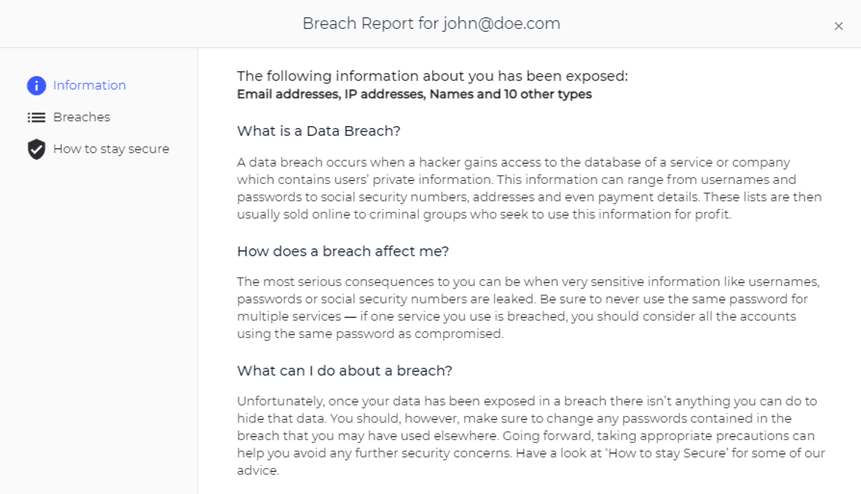
If your email has been found in breaches, you will see basic information such as the number of breaches and the type of data included:

Breach Report
If your data has been involved in a breach, you will be able to view a full Breach Report. This will provide you with basic information about data breaches and, more importantly, detail each and every breach that your email has been involved in.
Checking Other Emails
We also provide functionality to check any email of your choosing. This allows you to check your other emails, emails of loved ones, and anyone else you may be concerned about.
Once you enter their email and click search, they will be added to a list that shows the number of breaches the email has been found in and gives you the ability to view the breach report:

What to do About Breaches
Unfortunately, any breach that your email has been found in is already publicly available and you have no way of removing this data from the internet.
People will primarily care about your password as this may grant them access to other accounts of yours. We suggest you look at the breach report and review the websites that the breaches came from. If you think you may have reused any details from that website, especially your password, on any other accounts, then you should change your passwords immediately.
2FA is a very powerful tool against data breaches as this is information that will never be obtainable through a breach. While you should always practice good password habits, enabling 2FA on all accounts will ensure they remain inaccessible even if someone discovers your login details.
Latest Data Breaches
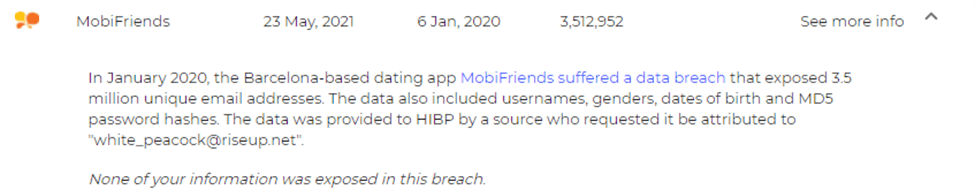
The Latest Data Breaches section helps you stay up to date and informed. A breach appearing in this section means it has been published recently and doesn’t necessarily indicate that your data was included in this breach.
You can click ‘See more info‘ to read more about the breach and see if your LifeReady account email was included.
Under the Hood
If you are ever curious about what’s happening to your data in the background, the Under the Hood feature will give you some insight.
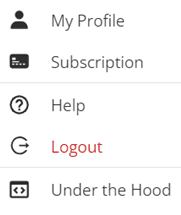
To access this feature, use the Account menu in the top right and select Under the Hood:
A console will pop up in the bottom left of your screen showing you events that are happening in the background.
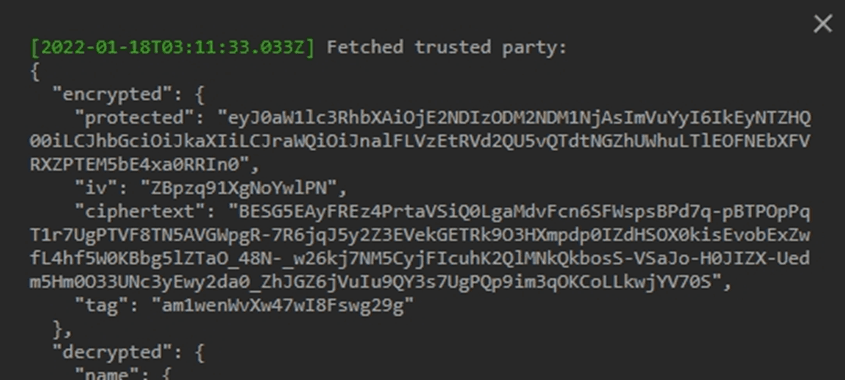
When you interact with your Vault or Contact Book, you will be able to see the process of the platform encrypting and decrypting your data: