



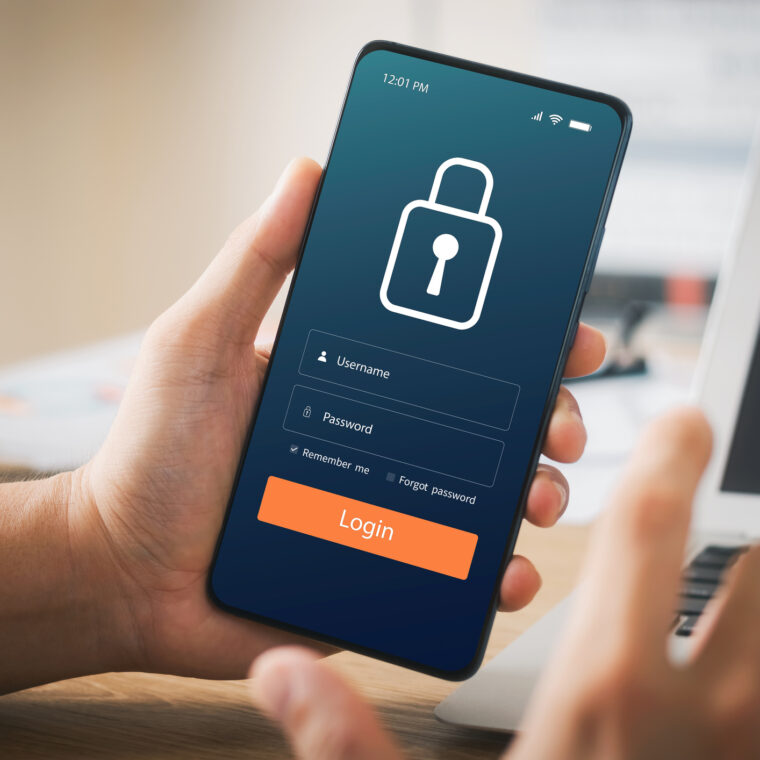
Why Passwords Alone Fall Short
Microsoft’s security teams block more than 7,000 automated password attacks every single second — tools running through databases of previously compromised credentials across thousands of sites at once.
The data is clear: 99.9% of accounts that are successfully compromised don’t have multi-factor authentication enabled. Even a strong, unique password can be exposed if the service where you used it experiences a breach. Two-factor authentication means that even if your password is known, your account isn’t open.
What Two-Factor Authentication Does
Two-factor authentication requires two forms of verification before granting access: something you know (your password) and something you have (your phone, an authentication app, or a security key).
Even if your password is compromised, a second factor means access is denied. This prevents the majority of automated attacks — and works regardless of password strength.
Three Steps to Enable 2FA
Download an authentication app. Google Authenticator and Microsoft Authenticator are both free on iOS and Android. App-based authentication is more secure than SMS — it works without mobile reception and isn’t vulnerable to SIM-swapping.
Enable 2FA on your highest-risk accounts first — your primary email, banking, superannuation, and any financial platforms. Look for ‘Security’ or ‘Two-Factor Authentication’ in account settings.
Store your backup codes securely. Every service provides backup codes when you set up 2FA. Keep them somewhere safe outside your email — LifeReady’s encrypted Vault is the right place, alongside your other Digital Life records.
Protecting Your LifeReady Account
LifeReady requires two-factor authentication for all Vault access — it’s built into the foundation of how the platform works, not an optional extra. The Security Centre walks you through setup step by step, and shows your account’s overall security health at a glance.
For full guidance on setting up 2FA in LifeReady, visit the Two-Factor Authentication section of the LifeReady Guide at lifeready.io/guide/two-factor-authentication.
99.9% of compromised accounts don’t have two-factor authentication. Less than five minutes can change that.
→ Set up 2FA in your LifeReady Security Centre
→ Visit the Security Centre section of the LifeReady Guide